Quick Start Guide

Lucenia: Simplifying Search for Developers
At Lucenia, we're on a mission to revolutionize search operations for developers, empowering you to build amazing applications faster and easier than ever.
Let's get started with Lucenia in just a few simple steps.
Quick Start Guide
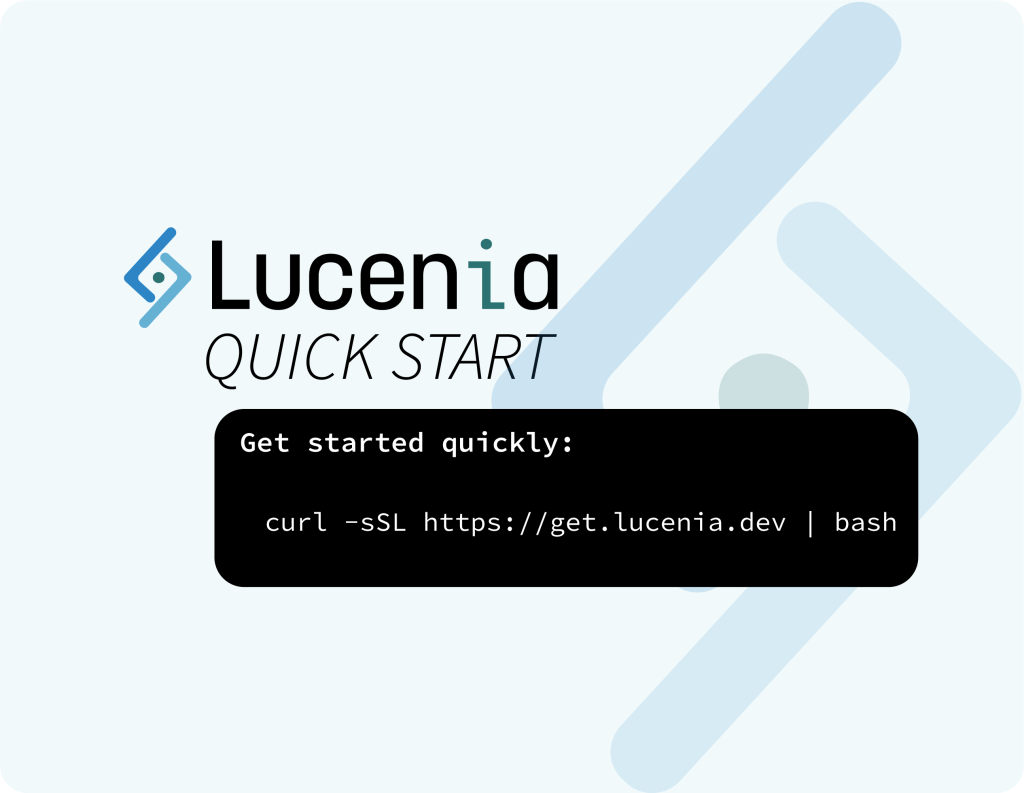
Getting Lucenia up and running is incredibly straightforward. Just run the following command in your terminal:
curl -sSL https://get.lucenia.dev | bash
This command will download and execute a script that installs and configures Lucenia on your system. Once the setup is complete, follow the instructions displayed in your terminal to access Lucenia.
Here's an example of how to test your setup:
curl https://localhost:9200 -ku admin:myStrongPassword@123
If everything is working, you'll see a response like this:
{
  "name": "lucenia-cluster",
  "cluster_name": "lucenia-cluster",
  "cluster_uuid": "eEmnLP1ERv-P6ZfU1RUGQQ",
  "version": {
    "distribution": "skylite",
    "number": "0.3.0",
    "build_type": "tar",
    "build_hash": "570c84bd7c3bf1143656cf0d1c9bc72d88964551",
    "build_date": "2024-12-16T15:50:41.359959725Z",
    "build_snapshot": false,
    "lucene_version": "10.0.0",
    "minimum_wire_compatibility_version": "2.14.0",
    "minimum_index_compatibility_version": "2.0.0"
  },
  "tagline": "[SEARCH]...on your terms"
}
Next Steps
Once your Lucenia cluster is up and running, dive into our documentation to start integrating search into your applications. You can find everything you need at Lucenia Docs.
Get Your License
The installation script includes a free 7-day developer license, so you can start exploring Lucenia right away. To extend your license beyond 7 days, simply create a free account at Lucenia Cloud. After signing up, follow the instructions to generate a longer license. Don't forget to confirm your email during the process!
Stay Updated
Don't miss out on the latest updates, tips, and tricks from Lucenia! Subscribe to our blog below and stay in the loop with all things search.